Public
How to Make a Burning Bridges AI Video: 2026 Guide
Make a 10-second Burning Bridges AI video from a permitted adult portrait. Follow the photo, credit, generation, download, and sharing steps, with clear limits.
Read guideAppearance
YOUR PHOTO. A SCENE WORTH SHARING.
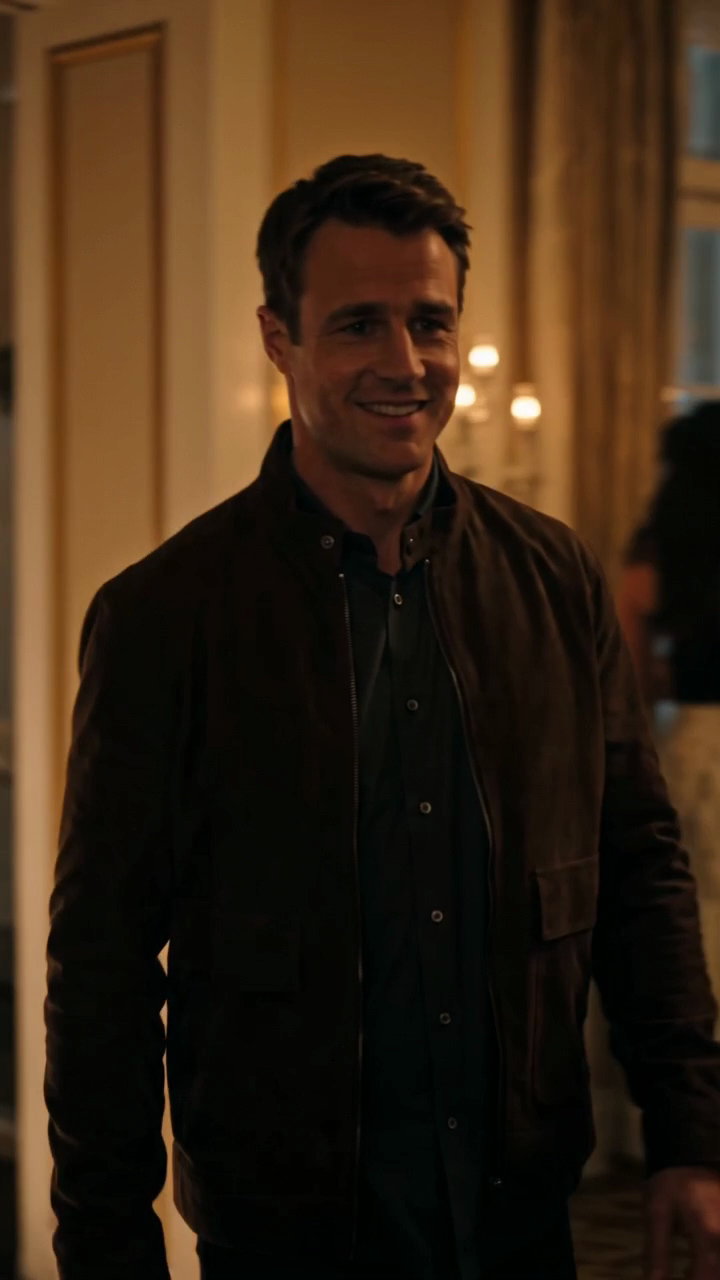
Add one or two permitted adult portraits. Seedance 2.0 turns them into a 10-second, 720p vertical party clip with a glowing bridge and chandelier-lit finale.
Choose one or two adult guests. The generated scene follows your photo and prompt; results can vary.
JPG, PNG, or WebP · up to 10 MB
Use a clear photo of one adult facing the camera. Include the outfit for full appearance. In duets, photo 1 replaces the first role and photo 2 the second.
Public results may be selected for our gallery after review. Your photos remain private.
Three days, one free finished video
Sign in and open the studio on three consecutive UTC days. All 50 credits unlock on day 3. Missing a day resets progress. You can pay to create sooner.
$9.90/ 1 video
50 credits · 10 secondsChoose a one-time pack or a monthly or yearly plan. See all five offers below.
Select a scene above. Completed videos will appear here.
02 / Create
Play our sample. Choose a solo or two-person scene and see the 10-second standard specification.
Upload one permitted adult portrait per person. Pick face and hair or full appearance as the visual reference.
After payment or the day-three reward, create your silent MP4. Add licensed music when publishing.
Find a location, film, edit, and match timing manually.
Start with a ready-made scene. Upload your photos, select appearance options, and review your generated video.
AI may alter facial features, hands, or movement. Preview every video before sharing; likeness and exact motion are not guaranteed.
Compare one-time Burning Bridges AI video packs with monthly and yearly plans. See price per clip, credit expiry, the 10-second specification, and renewals.
Sign in and open the studio on three consecutive UTC days. All 50 credits unlock on day 3. Missing a day resets progress. You can pay to create sooner.
One video means one 10-second, 720p vertical MP4 without a watermark.
$9.90
$9.90 per video
One finished video and one original download per use. Pay once; pack credits never expire.
$19.90
$6.63 per video
One finished video and one original download per use. Pay once; pack credits never expire.
$29.90
$5.98 per video
One finished video and one original download per use. Pay once; pack credits never expire.
The same default video costs less per video. Cancel future renewals at any time.
$29.90/ month
8 videos · $3.74 per video
Eight videos each billing month. Unused credits expire at renewal. Cancel future renewals anytime.
$149.90/ year
45 videos · $3.33 per video
Forty-five videos are available for the billing year. Unused credits expire at year end. Cancel future renewals anytime.
One complete video uses 50 site credits. The only current specification is Seedance 2.0 Standard at 10 seconds, 720p and 9:16; there are no resolution or duration surcharges.
| Model | Specification | Site credits |
|---|---|---|
| Seedance 2.0 Standard | 10s · 720p · 9:16 | 50 |
Before you choose
One default video uses 50 site credits. The monthly plan provides 400 credits for 8 videos per paid month. The yearly plan provides 2,250 credits for 45 videos during its billing year.
Yes. A completed default video includes one original MP4 download without a preview watermark. The sample is available before you sign in.
A failed generation returns its consumed credits automatically. A completed generation uses its credits even if the creative result differs from your expectations. Contact support with your job ID if something appears wrong.
One-time pack credits have no scheduled expiry. Monthly plan credits expire at the end of each paid billing month. Yearly plan credits expire at the end of that billing year. Purchased credits are independent of the three-day reward.
Monthly and yearly plans renew until canceled. Canceling stops future renewals; it does not remove access already paid for in the current billing period. Use your billing settings or contact support.
Have another question? Contact us at contact@aiburningbridgesvideo.pro
Prices in USD. Applicable taxes are shown at checkout.
Failed jobs return their credits automatically. For payment refunds, contact support.
Make a 10-second Burning Bridges AI video from a permitted adult portrait. Follow the photo, credit, generation, download, and sharing steps, with clear limits.
Read guideChoose a clear portrait for your Burning Bridges AI video. Compare framing, lighting, crop, consent, file formats, and errors that can weaken your result.
Read guideCreate a solo Burning Bridges AI party video from one adult portrait. Learn which photo works, how to guide the scene, what a clip costs, and why results vary.
Read guideCreate a two-person Burning Bridges AI video from two permitted adult portraits. Set each role, review the sample, compare costs, and expect variable likeness.
Read guideBurning Bridges AI video downloads are silent. Learn how to add music you may use, keep a clean edit, credit the source when needed, and avoid rights mistakes.
Read guideExport a vertical Burning Bridges AI video for TikTok. Add permitted audio, captions, and AI labels; check the crop and the full clip before publishing.
Read guideIt generates an original 10-second vertical party clip from one or two permitted adult portraits. The glowing bridge and chandelier-lit setting are AI-made, so results differ from the sample.
Read guide · What does Burning Bridges AI Video create?Use a clear JPG, PNG or WebP under 10 MB showing one adult facing the camera. For a two-person clip, upload one photo for each person. Get permission from everyone pictured.
Read guide · What photo should I upload?No. The clip is newly generated and silent. It does not copy any artist's footage or include licensed music. Add a track you are allowed to use when publishing.
Read guide · Does it include the original song or video footage?The default is a 10-second, 720p, 9:16 MP4 without a watermark. One default video uses 50 credits. The model can change facial details, hands or motion; review the output before sharing.
Read guide · What video do I receive?The site records the failed job. If credits were charged, contact support@aiburningbridgesvideo.pro with your job ID so we can restore the unused entitlement after checking the provider result.
Read guide · What happens if generation fails?No. Uploads stay private. Only a completed video explicitly marked public may be considered for a gallery; private results are excluded.
Read guide · Will my uploaded photos appear in the gallery?Only with that adult's permission. Do not upload minors, celebrities or anyone who has not agreed to appear in an AI-generated clip.
Read guide · Can I use someone else's photo?No. Burning Bridges AI Video is an independent creative tool with no affiliation to Drake, a music label or any rights holder.
Read guide · Is this an official music video tool?After signing in and opening the site on three consecutive UTC calendar days, eligible non-ChatGPT visitors receive 50 credits once. A missed day restarts the pending streak. People whose first visit came from ChatGPT get no free credits and can buy a pack or plan immediately.
Read guide · How does the three-day free video work?Yes. Pay once for 1, 3 or 5 videos. Those credits do not expire. The monthly plan includes 8 videos per billing month; the yearly plan includes 45 for the billing year.
Read guide · Can I buy videos without a subscription?A subscription renews automatically until canceled through the billing portal. Cancellation stops future renewals; already paid credits remain available until the end of their billing period.
Read guide · How do I cancel a plan?